The Platform
Built for teams who guide people for a living.
Cor is a voice-guided onboarding platform for creating, publishing, and measuring guided flows with completion tracking — without writing a single line of code. Not a replacement for your HRIS or LMS. The layer that makes your onboarding content actually land.
How it works
Three steps from idea to guided experience.
Record your voice walkthrough
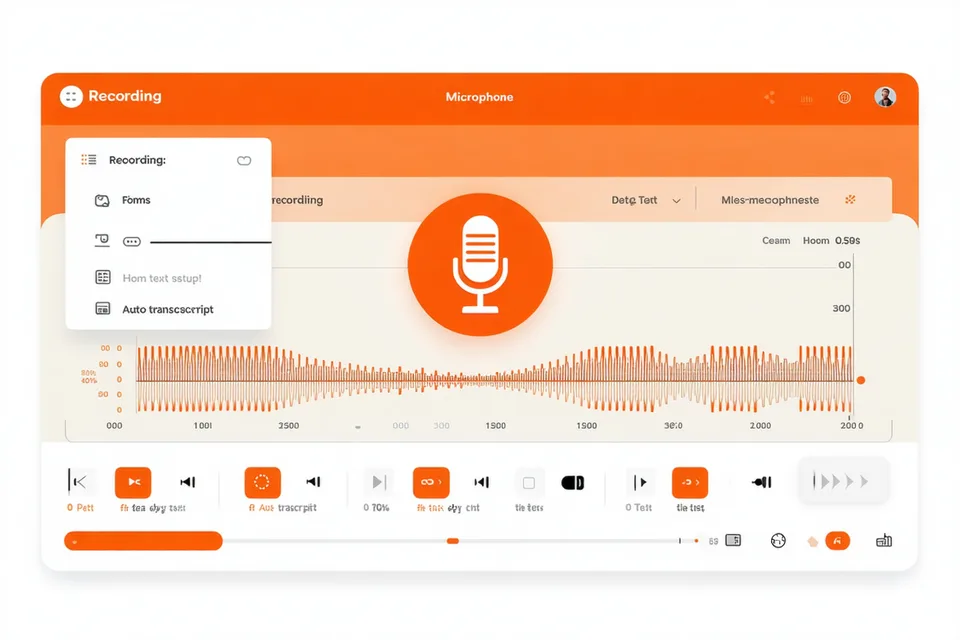
Speak through each step using your browser microphone — no audio editing, no script. Cor auto-transcribes, time-stamps, and formats the recording for desktop, tablet, and mobile playback.
Build your guided flow
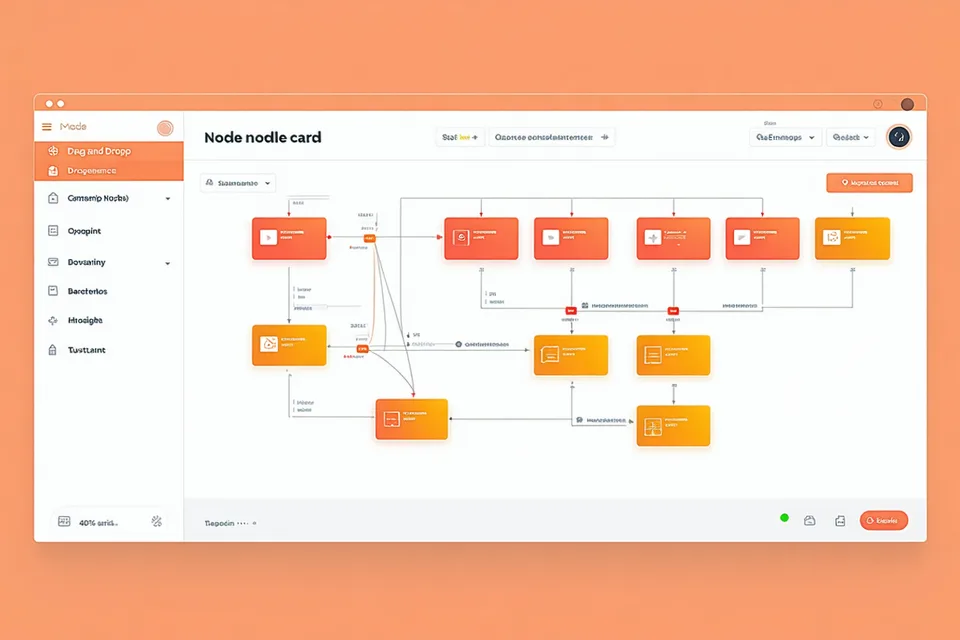
Arrange voice segments, screen captures, knowledge-check questions, and resource attachments using the drag-and-drop flow builder. Set role-based branches so HR managers see different paths than individual contributors.
Publish and track completion
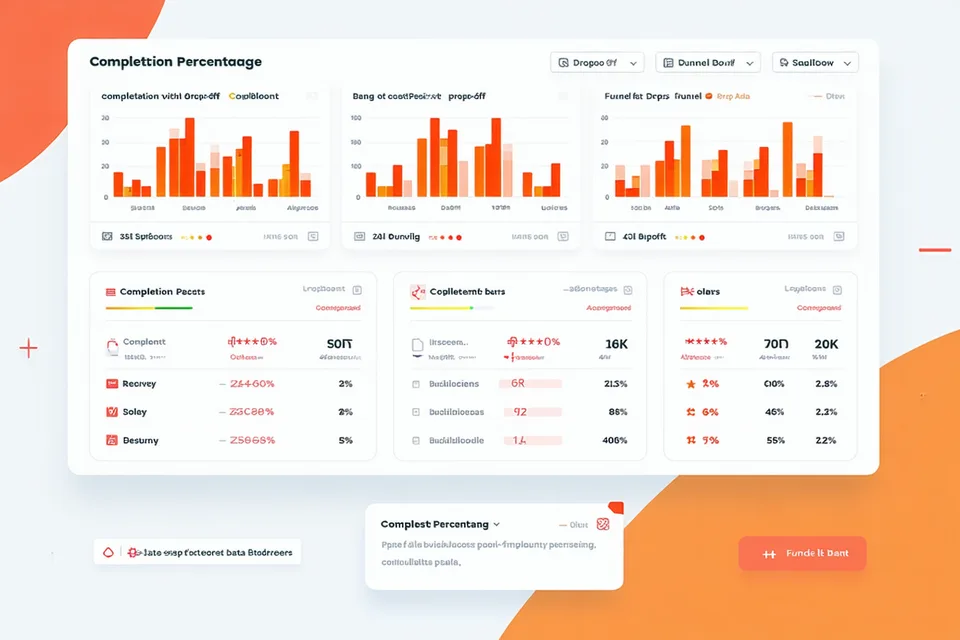
Share a link, embed in your intranet, or trigger via HRIS hire event. Per-step completion and drop-off data appear in your dashboard in real time. Export to CSV or push via webhook to your data warehouse.
Flow Builder
Build your onboarding logic without a developer.
Combine voice segments, screen clips, knowledge-check questions, and resource attachments into any sequence. Branch flows by role, department, or persona. Clone a completed flow and re-record just the segments that changed — no rebuild from scratch.
- Drag-and-drop canvas — no code
- Decision branches for role-based routing
- Version history and flow cloning
Voice Capture Studio
Record with your voice. Cor handles the rest.
Record with your browser mic or upload existing audio. Cor auto-transcribes, adds skip-able segments, and formats for mobile playback. No audio editing needed.
- Auto-transcription in 40+ languages
- Segments can be skipped or replayed
- Upload existing MP3/M4A/WAV files
Analytics & Completion Tracking
Know exactly where your onboarding loses people.
Per-flow dashboards showing who started, who completed, and where drop-off happened by step. Filter by hire cohort, team, or role. Export completion data to CSV or push via webhook to any BI tool or HRIS. Time-to-completion and replay rate included per flow.
- Per-step completion and drop-off data
- Cohort and team-level filters
- CSV export and webhook push
Admin & Permissions
Workspace controls for teams that manage real people.
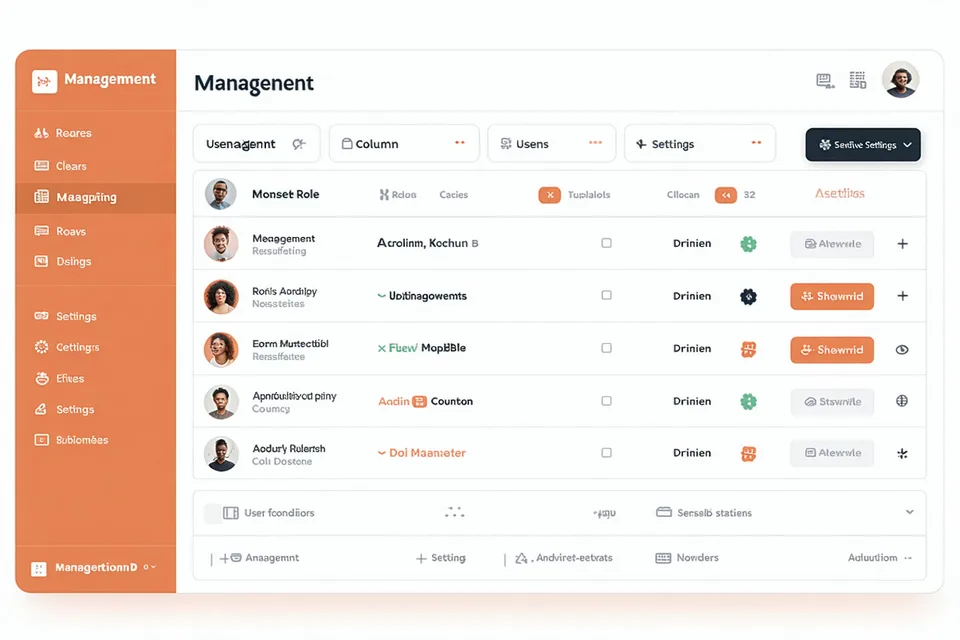
Assign flows to teams, set re-completion schedules for annual training, archive outdated content without deleting learner records, and manage creator vs. viewer roles across your org. SSO / SAML planned for Q3 2026. Cor does not replace your directory or identity provider — it reads from it.
- Team and role-based access controls
- Archive and version flows without deleting
- Custom branding per workspace
Start building your first flow today.
Free forever on the Starter plan. No credit card required.